30 Ultimate PostgreSQL pgvector AI Tutorials 2026

Haricharan Kamireddy - AI Architect and Database Engineer
MCA graduate and MCTS-certified engineer with 7+ years of experience, currently specializing in AI architecture and database systems.
May 11, 2026

⚡ Quick Answer (TL;DR)This series provides the ultimate PostgreSQL pgvector AI Tutorials to help you build modern AI databases. You will easily learn how to store AI vector embeddings, run semantic searches, and create smart AI chatbots using Python and pgAdmin.

Welcome to the Ultimate AI Database Journey! 👋

Hello developers! Welcome to my blog. If you are hearing buzzwords like “Vector Databases“, “AI Embeddings”, or “RAG Systems” everywhere, you are in the exact right place.

Many people think they need to learn a completely new and complex database to build AI tools. But guess what? You don’t! You can use your favorite, trusted PostgreSQL by simply adding a magic tool called pgvector.

I designed this 30-part tutorial series for everyone. Whether you are a complete beginner or an experienced coder, we will learn together step-by-step. We will write code, fix errors, and build real AI projects.

Here is exactly what you will learn in this complete series:

  • The Foundation: Setting up PostgreSQL and pgAdmin 4 for high-concurrency AI workloads.
  • Expert pgvector Tuning: Installing pgvector and choosing between HNSW vs. IVFFlat indexes based on my performance benchmarks.
  • Enterprise Embeddings: Converting data into vectors using OpenAI, Gemini, and local open-source models.
  • Optimized Semantic Search: Writing SQL queries that retrieve context mathematically similar to user intent.
  • Production RAG: Building a chatbot that answers from your database with 90%+ accuracy.

💡 Career SuccessPreparing for your next big job interview? Along with this tutorial series, I want to help you succeed in your career. I have put together a massive list of the most common database and AI interview questions. You can test your knowledge and practice with my free guide below.

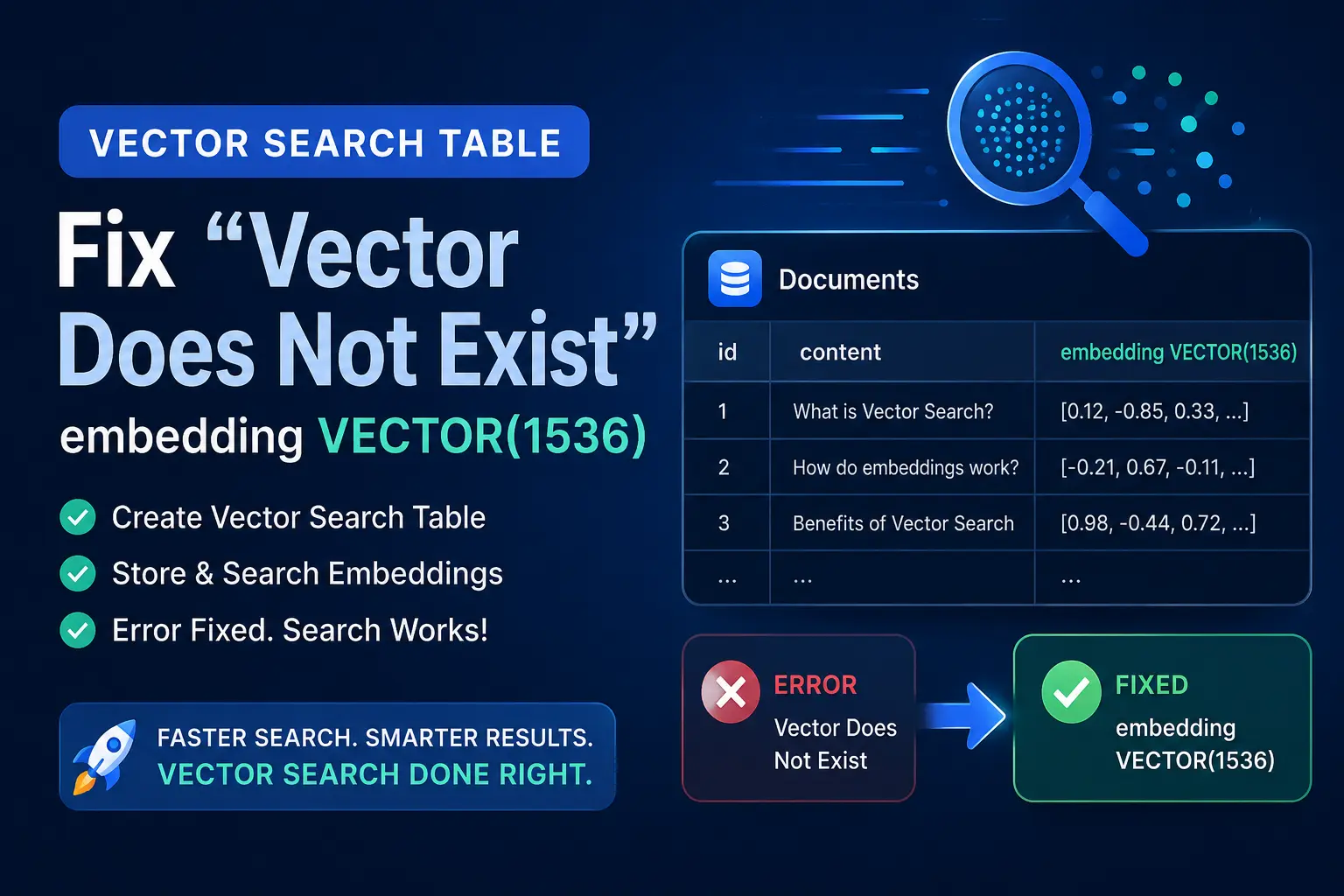
Create a Vector Search Table & Fix “Vector Does Not Exist” embedding VECTOR(1536)

embedding VECTOR(1536)

⚡ Quick Answer (TL;DR) Fixing the “vector does not exist” Error This error occurs because the pgvector extension is database-scoped, not server-scoped. Even if pgvector is installed on your server, you must activate it inside your specific target database before Create a Vector Search Table ● Environment Status: Production Ready ● Tested On: PostgreSQL 17

How to Connect PostgreSQL to VS Code (Easy Guide 2026)

How to Connect PostgreSQL to VS Code (Easy Guide 2026)

📑 Table of Contents Introduction Install PostgreSQL VSCode Setup For Beginners Install Visual Studio Code How to Connect Postgresql Management Tool to VSCode Get PostgreSQL Connection Details How to Connect PostgreSQL to VS Code Run Your First SQL Query in VS Code Common Errors and How to Fix Them Benefits of Using VS Code with

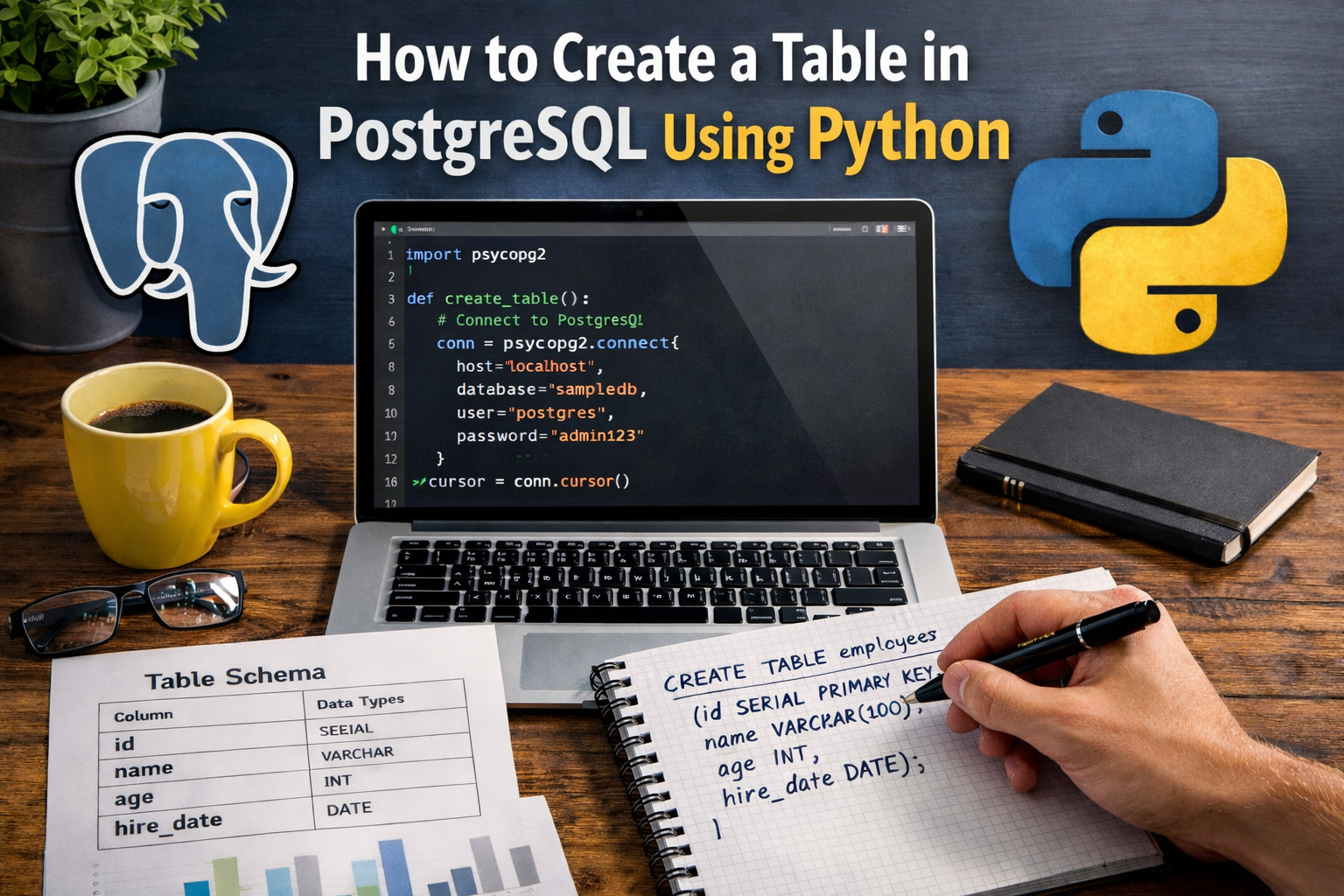
5 Easy Steps to Quickly Create a Table in PostgreSQL

create a table in PostgreSQL using Python

Table of Contents Introduction Create Table in PostgreSQL Using Python Example Install psycopg2 and Set Up Python Environment Connect Python to PostgreSQL Step by step create a table in PostgreSQL using Python Complete Code Step 1 – Step-by-step code explanation Step 2 – Connect to Database Step 3 – Execute CREATE TABLE Command Step 4

How to Secure PostgreSQL Connection in Python Using .env (pgAdmin 4)

secure postgresql connection string in python (pgadmin 4)

⚡ Quick Answer (TL;DR) To secure PostgreSQL connection in Python, never hardcode your credentials. Environment Setup: Store your host, user, and password inside a hidden .env file. Security First: Add .env to your .gitignore file before making your first commit to protect your data. Dependency Injection: Install and use the python-dotenv library to manage variables

Best AI SQL Tool: Convert English to PostgreSQL Using Python

Best AI SQL Tool: Convert English to PostgreSQL Using Python

📑 Table of Contents Introduction to AI SQL Generator What is an AI SQL Tool? How AI Converts English to PostgreSQL Queries Project Overview: Build AI SQL Generator Using Python Requirements for English to SQL AI Tool Setting Up Gemini API Key Installing Required Python Packages Connecting Python to PostgreSQL Database Extracting Database Schema (Tables

FATAL: PostgreSQL Password Authentication Failed? Reset in 5 Minutes

Reset PostgreSQL Password using psql and pgAdmin

⚡ Quick Answer (TL;DR)The fix is straightforward: open pg_hba.conf, temporarily change the auth method to trust, restart PostgreSQL, reset the password via psql -U postgres with ALTER USER postgres WITH PASSWORD ‘yourpassword’;, then revert the config back to scram-sha-256 and restart once more. The whole process takes under 5 minutes and requires no reinstall. Honestly,

PostgreSQL & pgvector AI Tutorials FAQ

Q: Do I need a specialized vector database to build AI applications?

Direct Answer: No; you can transform your existing, trusted PostgreSQL database into a high-performance vector store using the pgvector extension.
Elaboration: While dedicated vector stores exist, pgvector allows you to keep your relational data and vector embeddings in one place. This simplifies your architecture, maintains ACID compliance, and leverages your existing knowledge of SQL and pgAdmin.

Q: What is the main difference between HNSW and IVFFlat indexes in pgvector?

Direct Answer: HNSW is generally faster and more accurate for high-concurrency production apps, while IVFFlat is simpler and uses less memory during the build phase.
Elaboration: HNSW (Hierarchical Navigable Small Worlds) creates a multi-layered graph that allows for lightning-fast retrieval even as your dataset grows. In my performance benchmarks for 2026, HNSW is the preferred choice for enterprise RAG systems where sub-10ms latency is required.

Q: Can pgvector handle high-concurrency enterprise workloads?

Direct Answer: Yes, when properly tuned with optimized I/O, caching, and sharding, pgvector handles enterprise-scale AI workloads efficiently.
Elaboration: By combining PostgreSQL’s robust indexing with pgvector’s similarity search, you can serve thousands of concurrent users. The key is setting up the right infrastructure in pgAdmin 4 and choosing embedding models (like OpenAI or Gemini) that align with your throughput needs.

Q: How do I achieve 90%+ accuracy in my production RAG chatbot?

Direct Answer: High accuracy is achieved by combining optimized semantic search, proper chunking strategies, and a well-tuned pgvector retrieval layer.
Elaboration: Simply storing vectors isn’t enough. You must implement hybrid search (SQL + Vector) and use re-ranking techniques to ensure the LLM receives the most relevant evidence from your PostgreSQL database, minimizing hallucinations and grounding the AI’s responses in your specific data.

Q: Is pgvector suitable for both open-source and proprietary embedding models?

Direct Answer: Absolutely; pgvector is model-agnostic and can store embeddings generated by OpenAI, Gemini, or local models like Llama 3.
Elaboration: Regardless of whether you use a cloud API or a local Python-based embedding pipeline, pgvector stores the resulting numerical arrays. This flexibility allows you to swap embedding models in the future without migrating your entire database infrastructure.

Q: How does this series help with AI and Database interview preparation?

Direct Answer: This series bridges the gap between basic coding and architectural decision-making, which is what 2026 interviewers look for.
Elaboration: Beyond just syntax, we focus on performance tuning and production pitfalls. Additionally, the integrated practice system provides timed MCQs and scenario-based questions specifically focused on pgvector and AI database systems to ensure you are job-ready.

We use cookies for ads and analytics to improve your experience. Privacy Policy