Best AI SQL Tool: Convert English to PostgreSQL Using Python
📑 Table of Contents
- Introduction to AI SQL Generator
- What is an AI SQL Tool?
- How AI Converts English to PostgreSQL Queries
- Project Overview: Build AI SQL Generator Using Python
- Requirements for English to SQL AI Tool
- Setting Up Gemini API Key
- Installing Required Python Packages
- Connecting Python to PostgreSQL Database
- Extracting Database Schema (Tables & Columns)
- Converting Natural Language to SQL Using AI
- Executing SQL Queries in PostgreSQL Using Python
- Complete Python Code for AI SQL Generator
- Example: English to SQL Conversion
- Step-by-Step Code Explanation
- Understanding psycopg2 in Python
- Prompt Engineering for Accurate SQL Generation
- Real-Time Use Cases of AI SQL Tools
- Benefits of SQL Automation Using AI Python
- Best Practices for AI SQL Query Generation
- Conclusion
- Frequently Asked Questions (FAQ)
Introduction to AI SQL Generator
From my experience working with databases, writing SQL queries manually can sometimes feel repetitive and time-consuming, especially when dealing with complex requirements. That’s when I started exploring the best AI SQL generator tool to simplify the process.
With my knowledge of Python and PostgreSQL, I realized I could convert English to SQL queries without even writing traditional SQL syntax. Using AI database automation tools, I can now ask questions in plain English and get accurate SQL queries instantly. This approach has completely changed how I handle data tasks, making SQL automation using AI Python faster and more efficient. In this guide, I’ll share what I’ve learned and show you step by step how to build your own AI tool to convert natural language into PostgreSQL queries and also check my latest AI Tools tutorials
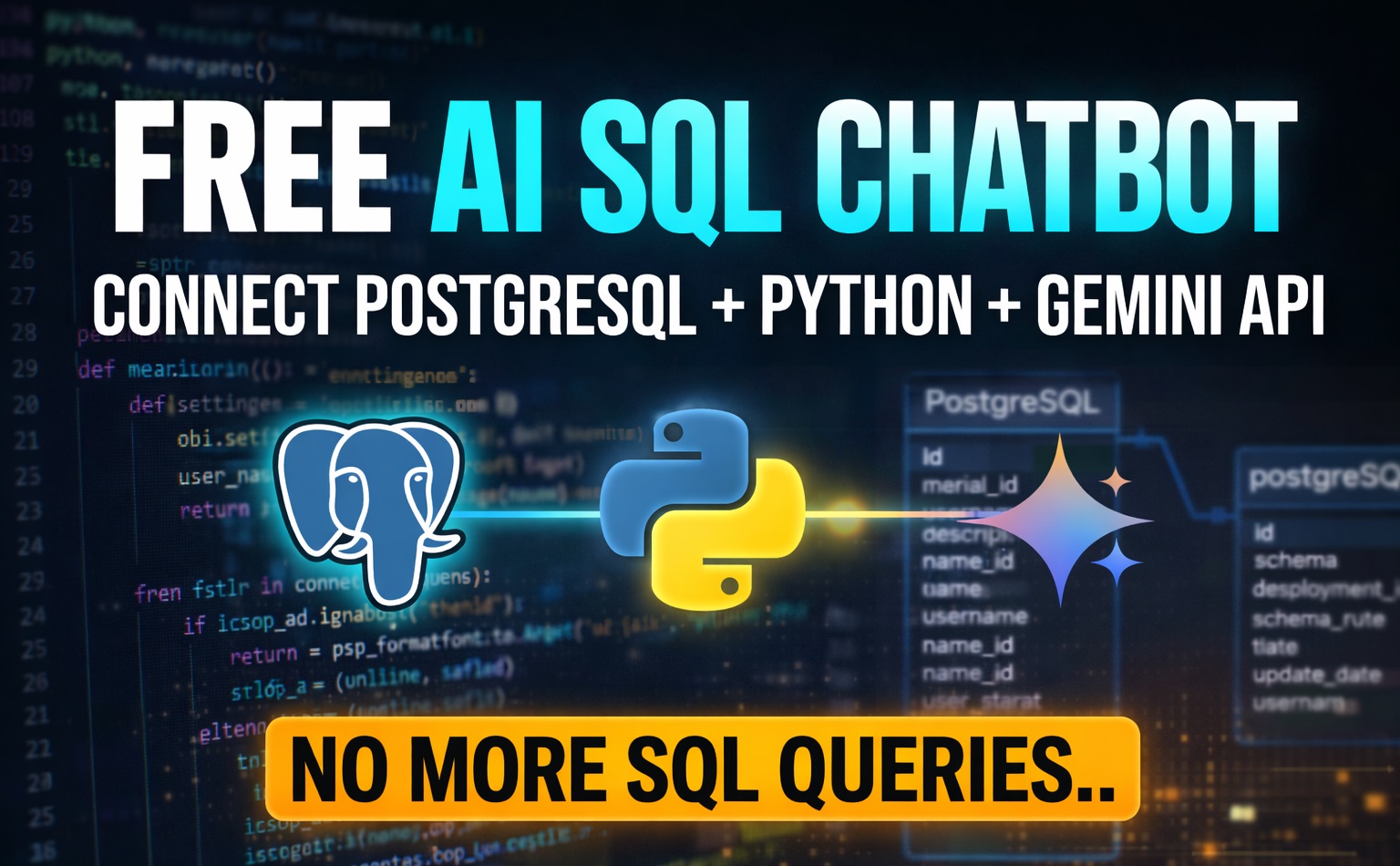
What is an AI SQL Tool?
In my experience, an AI SQL tool is a system that allows you to interact with your database using natural language instead of writing complex SQL queries manually. Instead of remembering syntax, joins, or conditions, you simply describe what you need in plain English.
I personally found this extremely useful when working on real projects, especially when dealing with large databases. It reduces errors, saves time, and makes database interaction much easier—even for beginners.
How AI Converts English to PostgreSQL Queries
When I first started working with this concept, I was curious about how AI actually understands human language. From my knowledge, it uses Large Language Models like Gemini to translate natural language into SQL queries.
For an example, when I ask something like “Get all employees,” from a employee table the AI understands the intent and generates:
SELECT * FROM employee;
In my experience, this is where AI becomes powerful—it allows me to focus on what I need instead of how to write it in SQL.
Project Overview: Build AI SQL Generator Using Python
When I built this project, I used Python as the main bridge between natural language and PostgreSQL. The idea was simple: take a user’s question as a natural human speaking language and convert it into SQL syntax, and execute it automatically.
- Context Loading: I extract database schema and pass it to the AI.
- Text-to-SQL Conversion: AI converts English into SQL.
- Execution: Python executes the query and returns results.
Requirements for English to SQL AI Tool
- Gemini API Key Free ai tool
- Python (VS Code or PyCharm), In this tutorial iam using Visual Studio Code
- PostgreSQL Database
- Basic Python knowledge check my latest python ai tutorials with real time examples
Setting Up Gemini API Key
In my setup, I used a free Gemini API key. You can generate it easily by logging into AI Studio using your valid Gmail account and creating a new API key.
Installing Required Python Packages
pip install psycopg2-binary
pip install python-dotenv
pip install google-genai
Connecting Python to PostgreSQL Database
From my Knowledge, psycopg2 acts as a bridge between Python and PostgreSQL. It allows me to establish a secure connection and run SQL queries directly from Python.
Extracting Database Schema (Tables & Columns)
One important step I learned is giving context to the AI. I extract all table names and columns so the AI understands the database structure before generating queries. Which is the best part
Converting Natural Language to SQL Using AI
This is the core part of the project. I send a prompt to Gemini AI with strict rules so it returns only SQL queries without explanations.
Executing SQL Queries in PostgreSQL Using Python
After generating the SQL query, I execute it using Python’s cursor. This allows me to fetch results and display them instantly.
Complete Python Code for AI SQL Generator
import psycopg2
from google import genai
from dotenv import load_dotenv
import os

load_dotenv()
client = genai.Client(api_key=os.getenv("GEMINI_API_KEY"))

try:
    conn = psycopg2.connect(
        host="localhost",
        port="5432",
        database="sampledb",
        user="postgres",
        password="admin123",
    )
    cursor = conn.cursor()
    print("Connected Successfully To Postgresql database..")

except Exception as e:
    print(f"Error Connecting to Postgresql Database:{e}")
    exit()


def ask_ai_sql(question):
    """
    Generate SQL from english question using Gemini AI
    """
    cursor.execute(
        """
        select table_name from information_schema.tables
        where table_schema='public' and table_type='BASE TABLE';
        """
    )
    tables = [row[0] for row in cursor.fetchall()]
    table_details = ""
    for table in tables:
        cursor.execute(
            f"""
            select column_name from information_schema.columns where
            table_name='{table}';
            """
        )
        cols = [row[0] for row in cursor.fetchall()]
        table_details += f"{table}:{','.join(cols)}\n"

    prompt = f"""
      You are an expert postgresql developer.
      convert all the following english question into a valid postgresql sql query.

      Rules :
      - Return only the SQL Query
      - No explantion
      - No backticks
      - use postgresql syntax only
      - use the correct table and colums
      Tables and columns:
      {table_details}
      Question:{question}
    """
    try:
        chat = client.chats.create(model="gemini-2.5-flash")
        response = chat.send_message(prompt)
        sql_query = response.text.strip()
        sql_query = sql_query.replace("```sql", "").replace("```", "").strip()
        return sql_query
    except Exception as e:
        print(f"Error Generating SQL From Gemini AI:{e}")
        return None


print("Type 'exit' to quit.\n")

while True:
    q = input("Enter the Question : ")
    if q.lower() == "exit":
        break
    sql_query = ask_ai_sql(q)
    if not sql_query:
        print("SQL Generation Failed..")
        continue
    print(f"\nGenerated SQL Query:\n{sql_query}\n")

    try:
        cursor.execute(sql_query)
        rows = cursor.fetchall()
        if rows:
            for row in rows:
                print(row)
        else:
            print("No Records Found")
    except Exception as e:
        print(f"Error Executing the query : {e}")

cursor.close()
conn.close()
print("SQL Connection is Closed...")
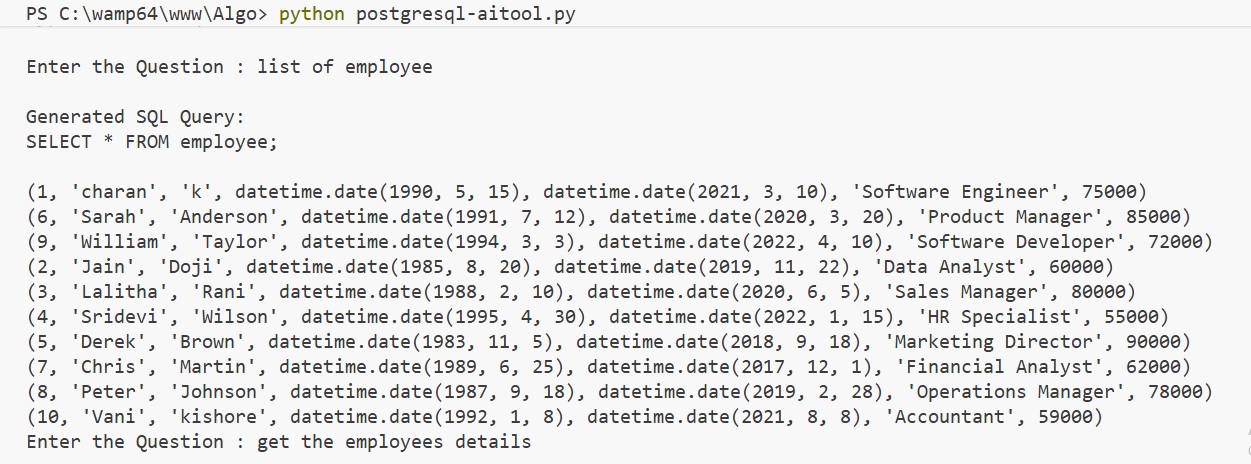
Final Output Converting Natural Language to SQL Using AI
Check Complete Video Tutorial, Free Online AI SQL Generators (PostgreSQL) english normal Text to SQL python code
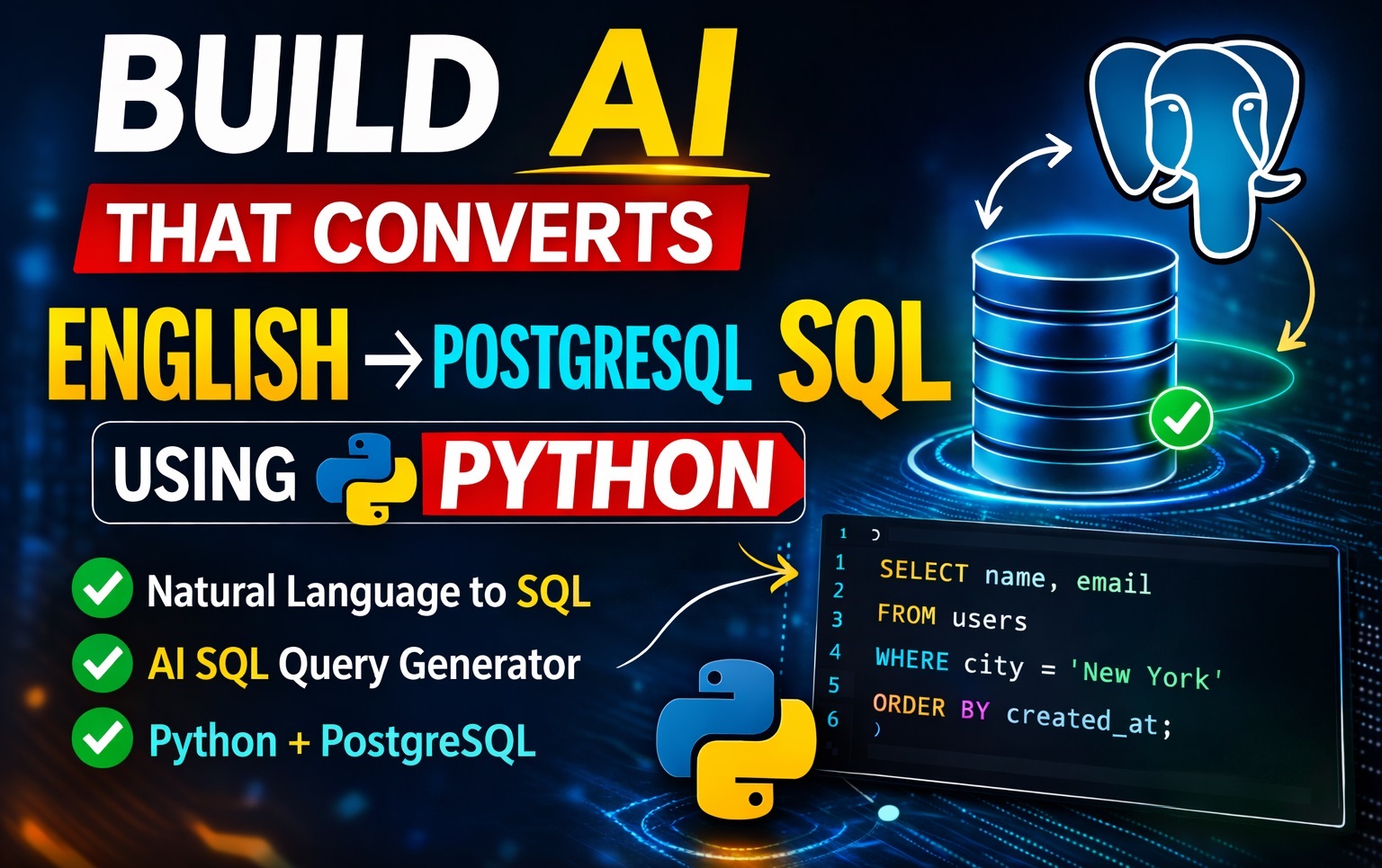
Discover the best free online AI SQL generators for PostgreSQL. Easily create complex queries, optimize database performance, and learn SQL faster with AI-powered tools designed for developers, students, and data analysts.
Example: English to SQL Conversion
For example, when I enter:
“Get all employees”
The AI converts user input into valid PostgreSQL syntax and retrieves the output.
SELECT * FROM employee;Step-by-Step Code Explanation
Let me explain the important parts of the code based on my experience.
Understanding psycopg2 in Python
psycopg2 is the core library that connects Python with PostgreSQL. Without it, Python cannot communicate with the database.
Prompt Engineering for Accurate SQL Generation
From my experience, prompt engineering is very important. For this tutorial, the rules below are enough because it’s a small demo. However, in reality, you can have many rules in AI prompt engineering.
- Return only SQL
- No explanation
- No formatting
This ensures the query runs without errors.
Real-Time Use Cases of AI SQL Tools
- Business reporting automation
- Data analysis without SQL knowledge
- Chatbots for databases
Benefits of SQL Automation Using AI Python
- Saves time
- Reduces errors
- No need to remember SQL syntax
Best Practices for AI SQL Query Generation
- Always validate queries
- Provide clean schema
- Avoid sensitive data exposure
Conclusion
From my experience, using the best AI SQL generator tool has completely changed how I interact with databases. Instead of spending time writing queries, I now focus on solving real problems. SQL automation using AI Python is not just a trend—it’s the future of database interaction.
Frequently Asked Questions (FAQ)
1. What is an AI SQL generator tool?
From my experience, an AI SQL generator tool is something that makes working with databases much easier. Instead of writing queries manually every time, I can simply describe what I need in plain English, and the tool generates the SQL query for me. It feels more like having a conversation with the database rather than writing code.
2. Can I really convert English into PostgreSQL queries using Python?
Yes, I’ve personally built this kind of system using Python. What I usually do is connect an AI model like Gemini with my PostgreSQL database. Python acts as the bridge, taking the user’s input, sending it to the AI, and then executing the generated SQL query. It works surprisingly well when the schema is clearly defined.
3. Do I need to be good at SQL to use this?
Honestly, not really. From what I’ve seen, even beginners can start using AI SQL tools without deep SQL knowledge. Of course, having some basic understanding helps, especially when validating queries, but the whole point of this approach is to reduce the need to write SQL manually.
4. Which AI tools are best for generating SQL queries?
In my experience, tools built on top of models like Gemini or OpenAI work really well for this purpose. The key factor is how well the model understands your database schema. If you provide clear context, the output queries are usually accurate and usable.
5. How does SQL automation using AI Python actually work behind the scenes?
From what I’ve implemented, the process is quite straightforward. First, I collect the database schema and pass it to the AI. Then, when I enter a question, the AI generates a SQL query based on that schema. Finally, Python executes the query using a library like psycopg2 and returns the results. It’s basically a combination of AI understanding + database execution.
6. Is it safe to run AI-generated SQL queries?
Based on my experience, it’s safe as long as you add a validation step. I always recommend checking the generated query before executing it, especially in production environments. This helps avoid unexpected results or accidental data modifications.
7. Where can this kind of AI SQL tool be used in real projects?
I’ve seen this approach used in dashboards, reporting tools, and even internal chat systems where users can query data without writing SQL. It’s especially useful for teams where not everyone is comfortable with databases but still needs access to data.