Ultimate Easy Python OpenAI Image Generation Tutorial in 5 Steps
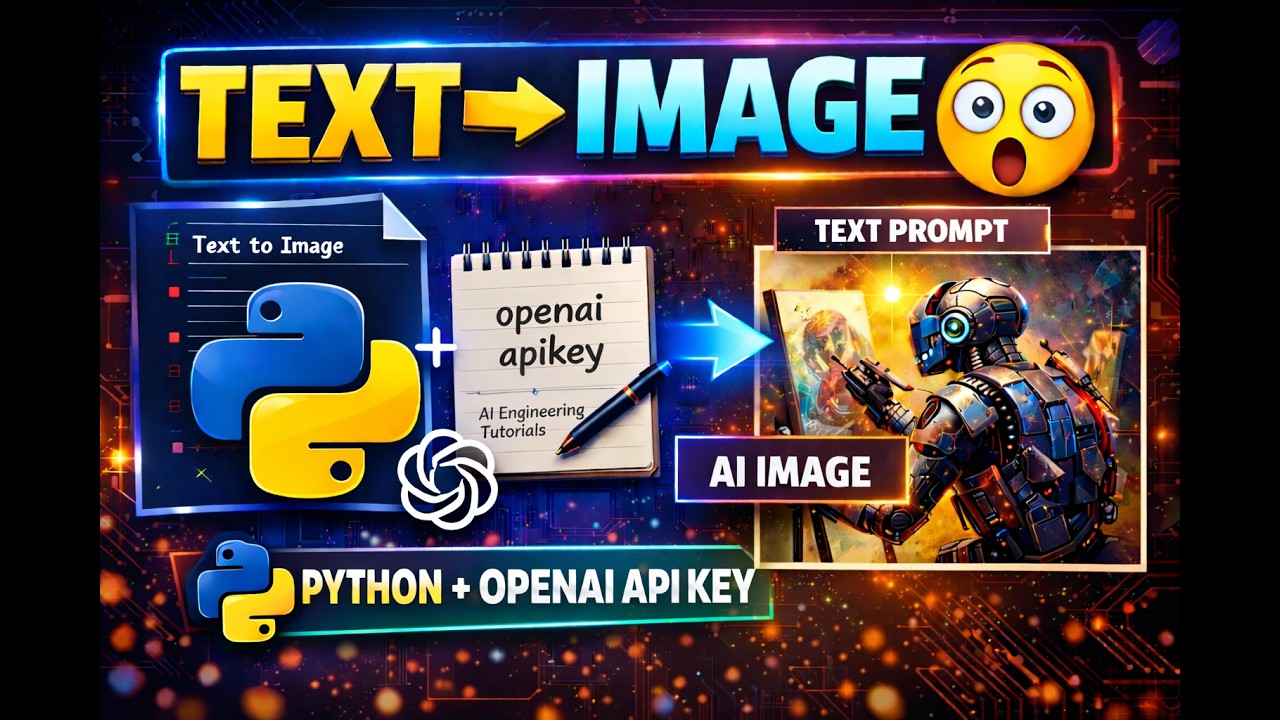
Welcome to this Ultimate Easy Python OpenAI Image Generation Tutorial in 5 Steps. Here you will learn how developers can generate AI images from text using Python and the OpenAI API easily and efficiently.
Artificial Intelligence is growing rapidly, and AI image generation is one of its most exciting features. With this tutorial, even beginners can create AI images by writing simple text prompts.
By the end of this tutorial, you will know how to generate AI images and save them on your computer. This project is perfect for anyone learning Python, AI development, or automation.
Table of Contents
- What is AI Image Generation
- Requirements for This Tutorial
- Install Required Python Libraries
- Python OpenAI Image Generation Code
- Watch the Video Tutorial
- Explanation of the Code
- Running the Program
- Example Prompt and Output
- Benefits of AI Image Generation
- Conclusion
- Frequently Asked Questions
What is AI Image Generation
AI image generation is a technology that converts text descriptions into images using artificial intelligence models. Instead of designing graphics manually, you simply describe the image and the AI creates it automatically. This is the core concept explained in this Ultimate Easy Python OpenAI Image Generation Tutorial.
For example, typing a prompt like:
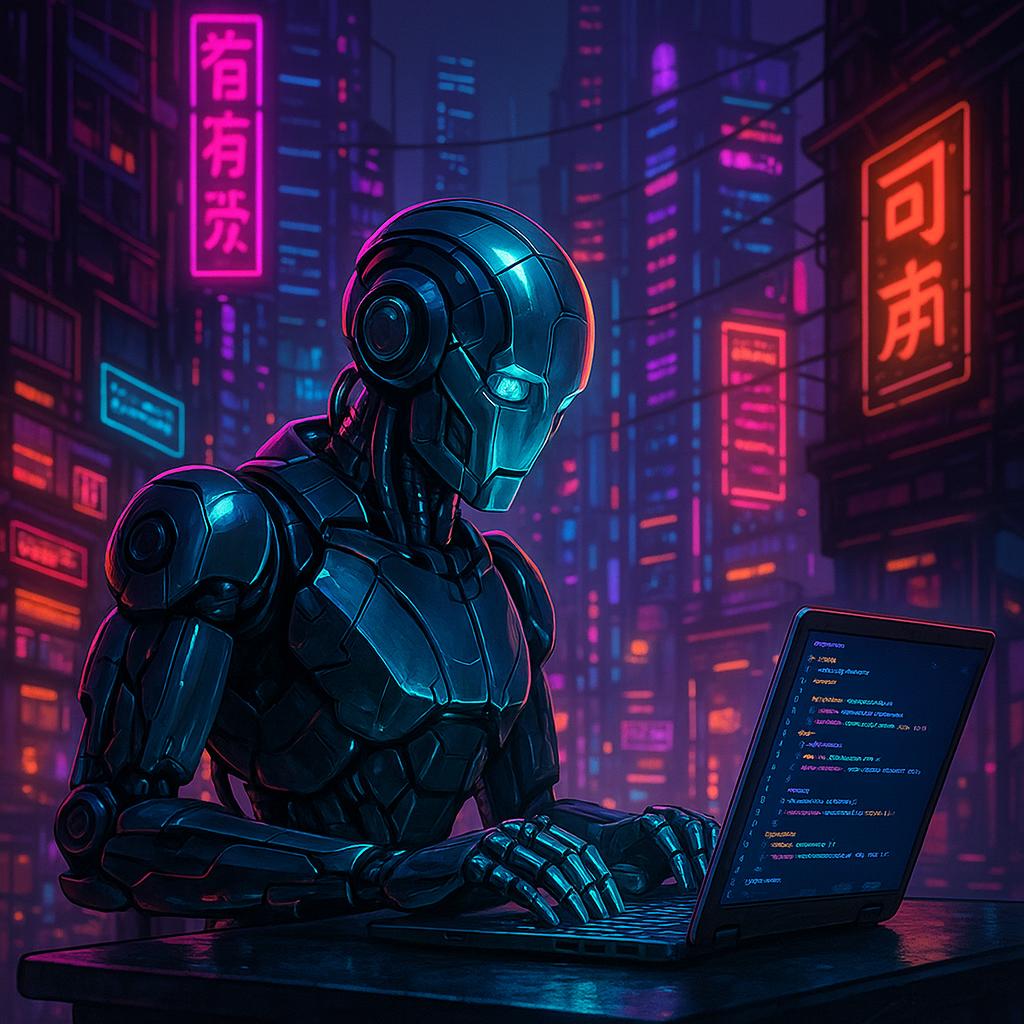
“A futuristic robot coding on a laptop in a neon cyberpunk city”
The AI model generates a unique image from the prompt. This tutorial uses the OpenAI API to create images automatically with Python.
Applications include:
- Blog thumbnails
- Digital artwork
- Game design
- Social media graphics
- AI automation tools
Requirements for This Tutorial
Before starting this Ultimate Easy Python OpenAI Image Generation Tutorial, ensure you have:
- Python 3.8 or higher installed
- OpenAI API Key
- Internet connection
- Basic Python knowledge
Create an API key via the OpenAI developer platform:
Install Required Python Libraries
Install three essential Python libraries:
- openai – to connect with the OpenAI API
- python-dotenv – to load environment variables
- Pillow – to process images in Python
Use this terminal command:
pip install openai python-dotenv pillow
Python OpenAI Image Generation Code
from openai import OpenAI
from dotenv import load_dotenv
import base64
from PIL import Image
from io import BytesIO
import os

load_dotenv(override=True)
client = OpenAI(api_key=os.getenv("OPENAI_API_KEY"))

prompt = input("Enter the text to create image :")

result = client.images.generate(model="gpt-image-1", prompt=prompt, size="1024x1024")

image_bytes = base64.b64decode(result.data[0].b64_json)
image = Image.open(BytesIO(image_bytes))
image.save("Output.jpg")

print("Image created and saved successfully into a local folder!")
Watch the Video Tutorial
If you prefer learning visually, watch the complete Ultimate Easy Python OpenAI Image Generation Tutorial in 5 Steps on YouTube.
This video demonstrates step by step how to generate AI images with Python, reinforcing this tutorial for better understanding.
Explanation of the Code
This Ultimate Easy Python OpenAI Image Generation Tutorial breaks down the code step by step. First, we import OpenAI, dotenv, base64, and Pillow. The load_dotenv() function loads the API key safely.
The OpenAI client is created using the API key. The program asks for a prompt, generates the image using gpt-image-1, decodes the Base64 data, and saves it as Output.jpg.
Running the Program
Follow these steps:
Step 1 OPENAI_API_KEY=your_api_key_here
Step 2 Save the script as image_generator.py
Step 3 python image_generator.py
Step 4
Enter your prompt, e.g.:
“A tiny monkey eating banana on the spacebar of a mechanical keyboard”
Example Prompt and Output
Example prompt:
“A futuristic AI robot coding on a laptop in a neon cyberpunk office”
The image will be saved as Output.jpg.
Benefits of AI Image Generation
- Automate image creation
- Quickly generate blog thumbnails
- Experiment with new design ideas
- Create marketing visuals faster
Learning AI tools early gives developers a huge advantage. Following this Ultimate Easy Python OpenAI Image Generation Tutorial helps beginners start creating AI-generated images quickly.
Conclusion
In this Ultimate Easy Python OpenAI Image Generation Tutorial, you learned how to generate AI images from text using Python and the OpenAI API. Beginners can now create AI-powered applications easily.
Future improvements can include:
- Generating multiple images
- Custom image sizes
- Automatically saving images with prompt names
- Building a web interface using Flask or Django
Read more AI Python Tutorials: here.
Frequently Asked Questions
What is OpenAI image generation?
OpenAI image generation allows developers to create images from text prompts using AI models. This Ultimate Easy Python OpenAI Image Generation Tutorial shows exactly how to do it.
Can beginners learn this tutorial?
Yes, this tutorial is beginner-friendly and suitable for anyone starting with Python and AI image generation.
Do I need an API key to run this program?
Yes, an OpenAI API key is required to access the image generation API.
Can I use generated images for blogs?
Yes, AI-generated images can be used for blogs, social media, and other creative projects.